| Kit | Age range | Typical price | Planning use |
|---|---|---|---|
| Wonder Workshop Dash and Dot | 6 to 10 | Around $150 to $200 as a pack | Suits a 6-year-old starting out, from kindergarten through lower elementary. |
| Sphero BOLT | 8 and up | About $179 | Choose it when creative play matters and you want a coding path from drawing to text. |
| Makeblock mBot Neo | 8 to 12 | Approximately $100 to $150 | An affordable introduction to STEM robotics for the middle years. |
| LEGO SPIKE Prime | 10 and up | $350 to $400 | The largest outlay here. Read the retirement notes below before buying. |
| Elegoo UNO R3 smart car | 14 and up | $60 to $80 | The cheapest route into C/C++ and sensors, aimed at the oldest group. |
Age and price figures come from a STEM robot kit buying guide, so treat prices as reviewer ranges rather than shop quotes.
The best robotics kits for kids depend on age and coding readiness: a first-time starter, a middle-years builder, or a teen ready for text-based code and wiring. Price rises with ambition, but not in a straight line.
Kits are one corner of home robotics. The wider consumer robots and gadgets section also covers the best robot vacuum and other household machines. If robotics is new to your family, start with What Is Robotics For Kids? A Practical Guide To Learning, Playing, And Growing With Robots (2026).
Matching kits to age and skill
Age bands give you the shortlist, and screen tolerance and coding readiness break the ties. The market runs from screen-free coding for preschoolers to Python-based platforms for teens and adults, so the wrong pick is usually a kit aimed one stage too high.
Preschool and first-time starters
For the youngest children, Botley 2.0 is positioned as screen-free coding for the very youngest engineers. That suits families who want sequencing and cause-and-effect play without handing over a tablet. When a child is ready for more hands-on play with a device, Wonder Workshop Dash and Dot is the stepping stone. The buying guide describes it as geared toward kindergarten through lower elementary school and a good match for a 6-year-old starting out in technology.
Choose the screen-free route when the child is still learning to follow an order of steps. Move to Dash and Dot when they want the robot to respond to more than a few button presses.
Middle childhood: building and block coding
This is the widest band, and the choice depends on what the child enjoys most.
- Makeblock mBot Neo: the review gives ages 8 to 12 and approximately $100 to $150, calling it an excellent introduction to STEM robotics. It suits a child who wants one sturdy robot to modify.
- Sphero BOLT: the same guide recommends it for ages 8 and up at around $179. It suits a child who prefers expressive, creative play over assembling a chassis.
- Barnabas Robotics Bot Basics Kit: Barnabas lists it from $34.95 for ages 8+. It is the lowest-cost entry in this guide and a sensible trial before committing to a pricier platform. The same shop’s Magic Box Arduino-compatible kit covers ages 8 to 17, which gives a child room to grow.
Teens: text coding and electronics
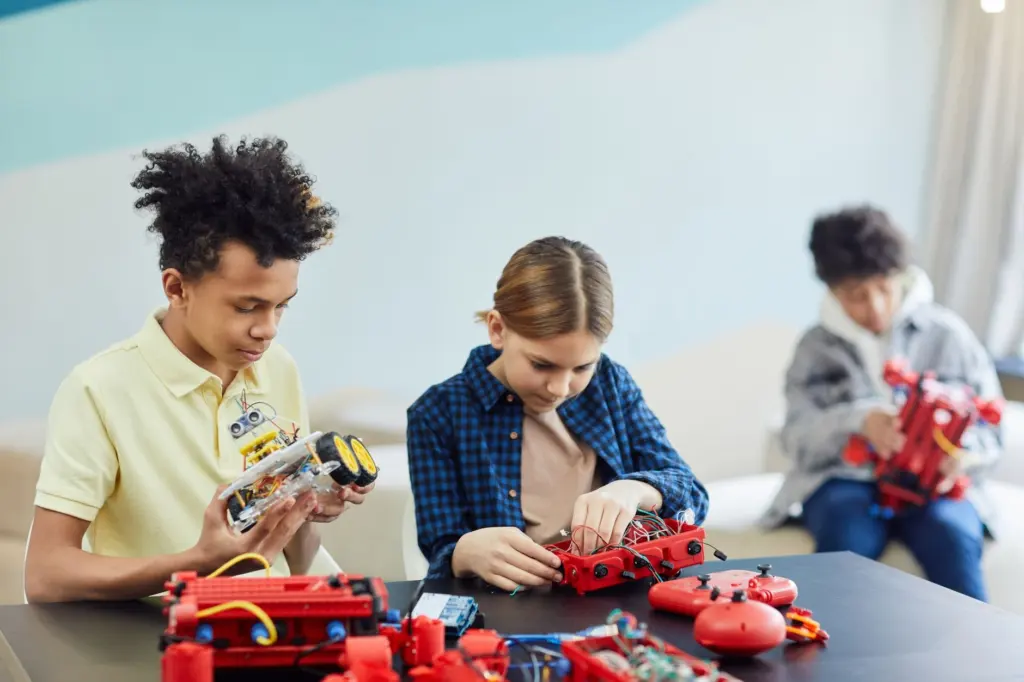
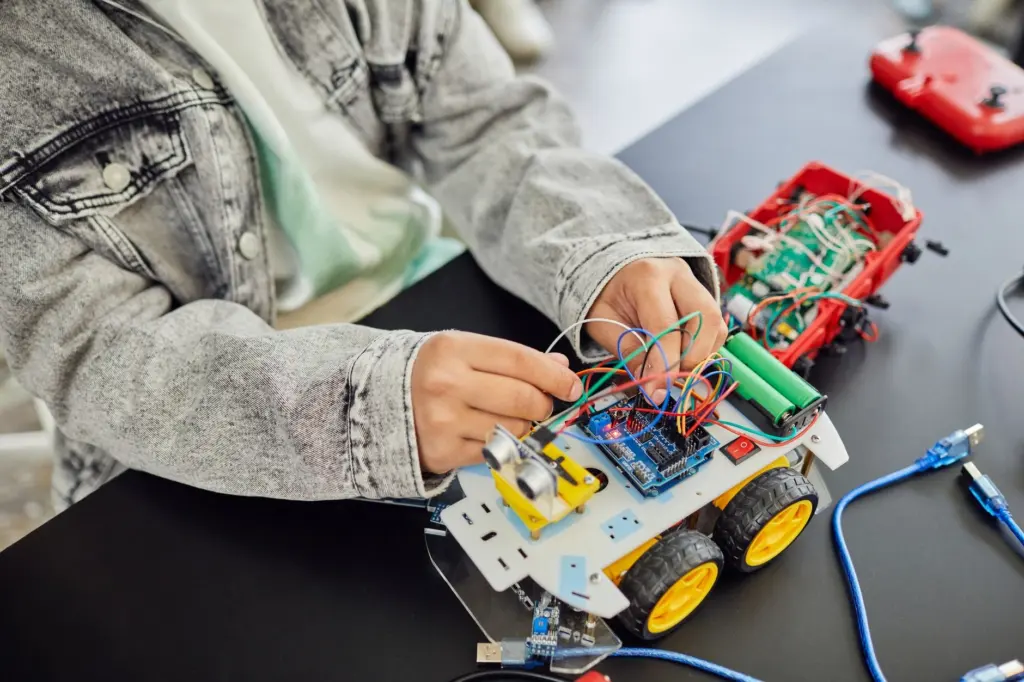
Older kids get more from kits that expose real wiring and real languages. The Elegoo UNO R3 smart car is rated for ages 14 and up at $60 to $80. It teaches C/C++ on the Arduino platform and sensor use, such as building a line-following robot. Barnabas also lists the Barnabas Rover, an Arduino-compatible 2WD DC motor car kit, for ages 11+ from $65.00, which makes it a gentler on-ramp for a younger teen.
An Arduino kit is the right pick when the child already enjoys tinkering and is happy to read and debug code. It is a poor first choice for a child who has never programmed, because text code gives less forgiving feedback than blocks.
Makeblock price ladder
Makeblock is the one brand here with a full range on one page, which makes the cost of moving up easy to see. Makeblock’s coding robots collection lists these prices, each with a higher figure shown beside it:
- mBot: $69.99 listed, with $88.99 beside it. It is the entry point, and Makeblock says its block-based programming transitions to text-based coding.
- Codey Rocky: $139.99 listed. It is designed for block-based and Python programming, so it suits a child who already wants to move beyond blocks.
- mBot2: $149.99 listed, with $177.99 beside it, for one robot.
- mBot Ranger: $169.99 listed, with $209.99 beside it.
- mBot Ultimate: $399.99 listed, with $477.99 beside it. A single kit creates 10 different robots.
The Ultimate makes sense only for a child who has already finished the simpler builds and wants variety. Everyone else gets more value from starting at the bottom of the range and upgrading when the child asks for more.
LEGO SPIKE Prime and its retirement
LEGO SPIKE Prime is rated for ages 10 and up and costs between $350 and $400, according to the same buying guide. Its status has changed since that guide was written. LEGO Education lists the set as retired and says it will add no new features after June 30, 2026.
The practical consequence is about timing. Families who want the set for competition can keep using SPIKE products throughout the 2027-2028 season, while LEGO Education Computer Science and AI replaces it from 2026-2027. A child who just wants to build and code at home loses little from a retired set. A team planning several seasons ahead should weigh the replacement product, because this one is the most expensive item in the table and will not gain features.
How much coding a kit requires
Every kit here involves programming, but none demands text code at the start. Block-based coding such as Scratch or Blockly is widely recommended as an excellent starting point for beginners, and many kits offer a progression from graphical programming to text-based languages like Python or C++. The kits differ mainly in how far along that path they go.
- Screen-free: Botley 2.0 keeps coding off a screen entirely, so it works for children who are not ready for an app.
- Blocks first, text later: mBot starts in blocks and moves to text, and Codey Rocky pairs blocks with Python.
- Three modes in one robot: Sphero BOLT lets kids code by drawing, with blocks, or with text in JavaScript or Python, so one robot can follow a child from beginner to confident.
- Text from day one: the Elegoo UNO R3 kit teaches C/C++, which is why it is pitched at the oldest group.
For most families, the decision rule is simple. Buy a kit whose first coding mode matches what your child can do today, and check that a next mode exists for the following year. Households curious about how a larger home robot senses its surroundings can read How Robot Vacuum Mapping Works: The Simple Guide To How Your Cleaner Sees Your Home In 2026.
Frequently asked questions
How long does an mBot take to set up?
Makeblock says you can assemble mBot in just 15 minutes and start coding within the hour, which makes it manageable for a single after-school session.
What can the Sphero BOLT display?
Sphero BOLT has an 8×8 LED matrix display.
Is help available for micro:bit and Arduino kits?
Yes. Community support for popular controllers like Arduino, ESP32 and micro:bit means plenty of tutorials and forum help, according to a beginner robotics kit guide. That matters for a child who gets stuck while building alone.
Which kits teach text-based coding?
Codey Rocky covers Python, Sphero BOLT offers JavaScript and Python, and the Elegoo UNO R3 smart car teaches C/C++.