| Component | Cleaning cadence | What happens if you skip it | Planning use |
|---|---|---|---|
| Dustbin | After every few runs, or daily with pets | A full dustbin is the most likely cause of leftover dirt | Empty it before a run in pet homes, and treat a dirty-looking floor as a cue to check the bin first |
| Brush roll | Weekly check | Hair or debris stuck in the roller can stop the brushes spinning | Remove wrapped hair from the centre bristles and the end bearings |
| Side brush | Weekly check | Hair or debris can stop it spinning, and it wears unevenly | Swap the left and right brushes to balance wear |
| Filter | Weekly tap-out, monthly deep clean | A clogged filter can block airflow | Tap it out on the same day as the brushes so the routine stays in one sitting |
| Cliff and other optical sensors | Weekly (Ecovacs) or monthly and whenever navigation turns erratic (Narwal) | Dirt on the sensors can disturb how the robot reads its surroundings | Wipe with a dry microfibre cloth; start weekly if the robot wanders |
| Wheels | Weekly | Debris collects around the wheels | Clean them during the weekly pass |
Cadences come from Narwal’s maintenance guide and Ecovacs’s cleaning guide; both are manufacturers, so your own manual has the last word on model-specific intervals.
The simplest way to learn how to clean a robot vacuum is a weekly check of the dustbin, brushes, filter and sensors, then a deeper monthly pass. Pet homes need the dustbin emptied more often.
If you are weighing up whether upkeep is worth it or a replacement makes more sense, the hub on the best robot vacuum options is the place to compare models.
What neglect costs you
Most robot vacuum problems trace back to blocked airflow, stalled brushes or dirty sensors, and each one is cheaper to prevent than to diagnose. Ecovacs says a clogged filter or tangled brushes can block airflow, and that a full dustbin is the most likely reason a robot leaves dirt behind.

- Weaker suction. Matic notes that a dirty vacuum filter can restrict airflow and reduce suction. If the robot seems to have lost power, the filter is one of the first things to look at.
- Brushes that stop doing their job. Ecovacs warns that hair or debris can get stuck in the side brushes or roller. A brush that cannot spin cannot lift dirt, however full the battery is.
- Erratic navigation. Robot vacuums use sensors and algorithms to navigate around obstacles and furniture, so smudged sensors are a sensible suspect when a robot behaves oddly. Narwal ties sensor wiping to a monthly schedule or to moments when the robot navigates erratically.
- Uneven wear. A side brush that always sits on the same side wears faster, which is why Narwal suggests swapping left and right brushes.
None of these failures needs tools to prevent. The routines below turn them into a checklist you can finish in one sitting.
Weekly and monthly checklists
Weekly routine
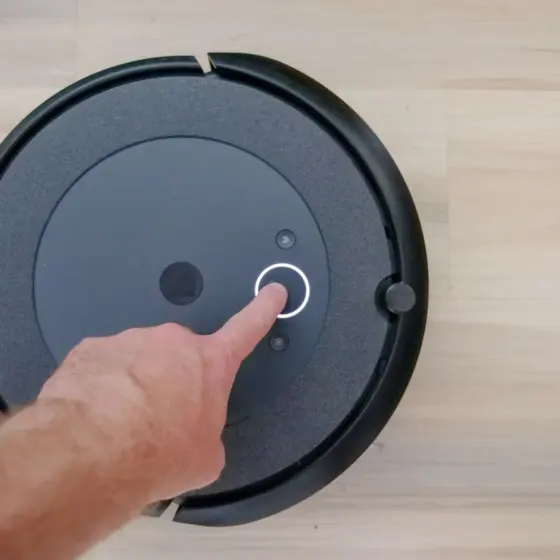
Start by making sure the device is powered down, as Ecovacs advises, and take it off the dock before touching anything underneath.
- Empty the dustbin into a bin bag, more often if you have pets.
- Tap the filter out over the bin rather than rinsing it.
- Check the brush roll and clear wrapped hair from the centre bristles and end bearings.
- Inspect each side brush for hair and swap left and right to even out wear.
- Wipe the sensors and clean the wheels.
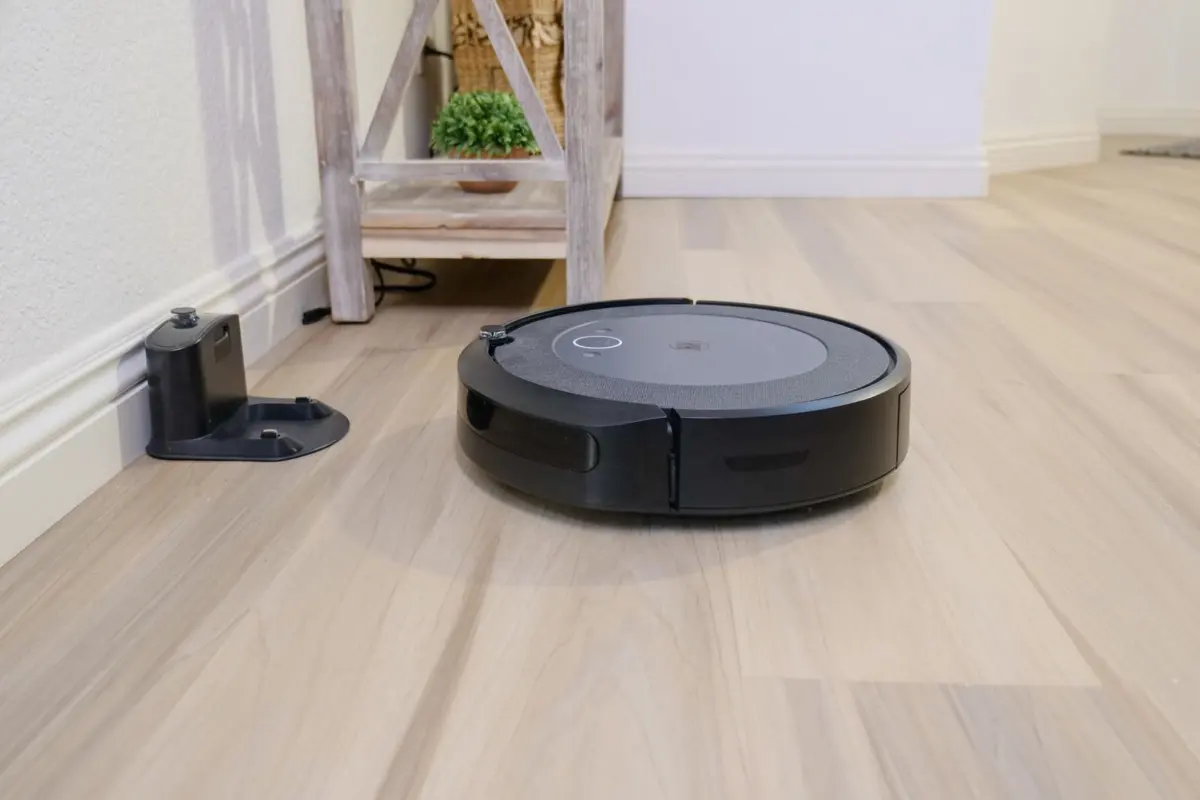
- Refit everything and return the robot to the dock.
Ecovacs groups sensor wiping, wheel cleaning and the filter tap-out into one weekly pass, which is a good model for building the habit.
Monthly deep clean
The monthly pass goes further into the parts that hide wear. Treat the list as a checklist to run through after the weekly routine.
- Remove the brush roll and clear any buildup, as Matic recommends monthly.
- Inspect the side brush and replace it if it is frayed or worn.
- Give the filter a deeper clean, following the water guidance below.
- Wipe the cliff sensors on the underside; Honiture lists monthly as its recommended frequency for the cliff sensor.
- If your model has camera lenses, wipe them with a lightly damp microfibre cloth, because Matic says the seams are not waterproof and excess moisture could cause damage.
Cleaning-head details differ between brands, so use your manual’s removal steps for the brush roll rather than forcing a part loose.
Brushes and hair
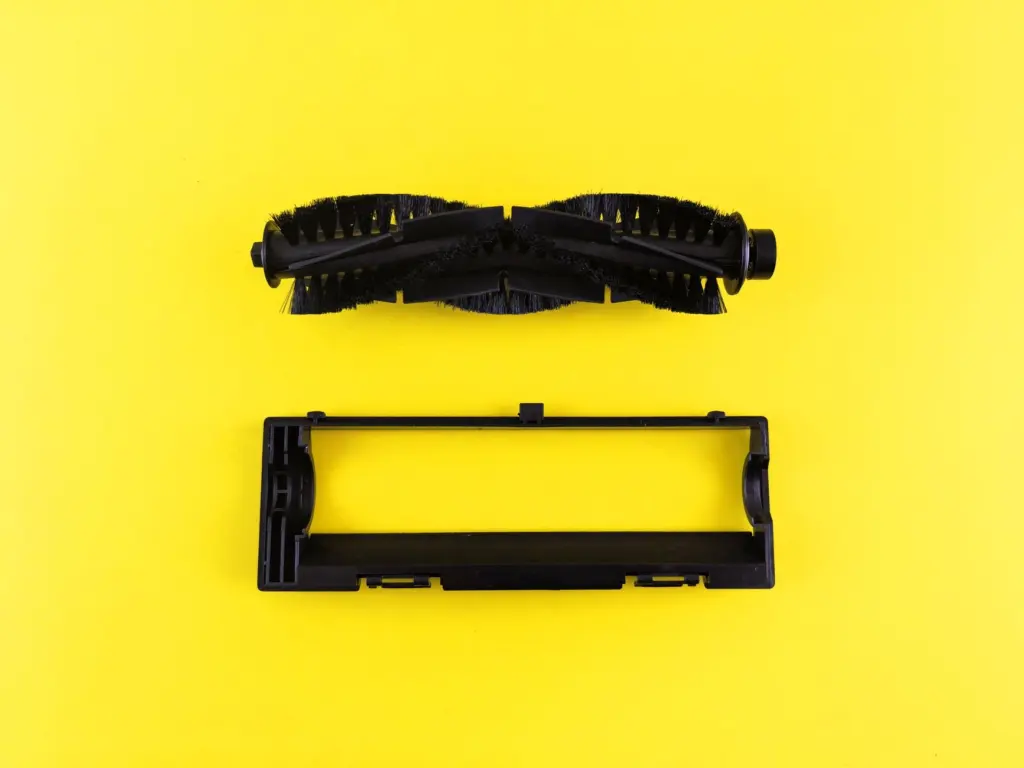
Brush cleaning is the task that most affects daily results, because the roller is where hair collects. Honiture suggests cleaning brushes once a week or every two weeks, while Narwal’s weekly check and Matic’s monthly removal sit on either side of that range.
Choose by household: weekly suits homes with long hair or pets, and a lighter schedule fits a home with short-haired occupants and mostly hard floors. Whatever the schedule, the aim is to remove hair from the centre bristles and from the end bearings, where it is easy to miss.
The side brush needs a quick look too. A bent or worn one does less work, and the replacement intervals below tell you when to stop cleaning it and swap it.
Filters and water
Whether a filter can go under the tap depends on the model, so check the manual first. Matic says its vacuum filter may be rinsed under water if needed to remove stubborn dirt, which means tapping out is the normal step and water is the exception.
If your filter is rinseable, use clean water only. Honiture says to use clean water for washing and add no detergent, and both Honiture and Narwal call for a full 24 hours of air-drying before the filter goes back in. In practice, wash it one evening and keep a spare to fit in the meantime, or leave it out until the next day.
Water belongs on the filter, not on electronics. Narwal says optical sensors should be wiped with a dry microfibre cloth only and never sprayed. Matic’s guidance for camera lenses allows a lightly damp cloth, but warns against excess moisture.
Replacement intervals
Manufacturers give a wide range of intervals, so use them as a window and let the condition of the part decide.
- Side brush. Matic says to replace it when frayed or worn, typically every 1-2 months; Honiture suggests every 3 months. Pick the shorter end if the bristles splay or the brush stops spinning freely.
- Brush roll. Matic suggests opening the cleaning head around every 5 months, depending on usage, to check the brush roll flaps for wear. Ecovacs lists brushes among worn parts to replace every 3-6 months.
- Filter. Narwal says every 2-3 months, sooner in pet homes. Honiture says a set every 3 months. Ecovacs gives a looser rule of thumb of every six months to a year. A pet household should follow the shorter Narwal window.
- HEPA bag. On a model that uses one, Matic says the Bag Full alert typically appears every 1-4 weeks, depending on home size and how often you clean. Replace it when the alert appears.
If suction stays weak after a thorough clean, replace the filter and brushes before looking for a bigger fault.
Fixing poor suction
Work from the cheapest check to the most involved, and stop as soon as performance returns.
- Empty the dustbin. Ecovacs says a full dustbin is the most likely cause when a robot leaves dirt behind.
- Clean the filter. Tap it out, or rinse it if your model allows, and remember that a restricted filter reduces airflow and suction.
- Clear the brushes. Tangled brushes can also block airflow, and a stuck roller or side brush stops cleaning altogether.
- Wipe the sensors and wheels if the problem is navigation rather than pickup.
If all four are done and the robot still underperforms, check the manual for model-specific steps or contact the manufacturer.
A well-kept machine is also easier to live with. If low operating noise is a priority, see The Quiet Robot Vacuum: How To Pick A Nearly Silent Cleaner For Peaceful Homes (2026 Guide). For another kind of small home robot, AI Desk Robot: Transform Your Workspace With Smarter Assistance In 2026 covers the workspace side. More guides sit under Consumer Technology.
Frequently asked questions
Should I power the robot down before cleaning?
Yes. Ecovacs advises making sure the device is powered down before cleaning, and taking it off the dock keeps it from starting while your hands are near the brushes.
Can I spray cleaner on the sensors?
No. Narwal says to wipe optical sensors gently with a dry microfibre cloth only and never spray liquids on them.
Can I wash a rinse-safe dustbin with soap?
No. Narwal says a rinse-safe bin should be washed with clean water, no soap, then left to air-dry completely for 24 hours. This applies only if your model supports a rinse-safe bin.
How often does a HEPA bag need replacing?
Matic says its bag is full typically every 1-4 weeks, depending on home size and cleaning frequency. Replace it when the Bag Full alert appears rather than on a fixed date.