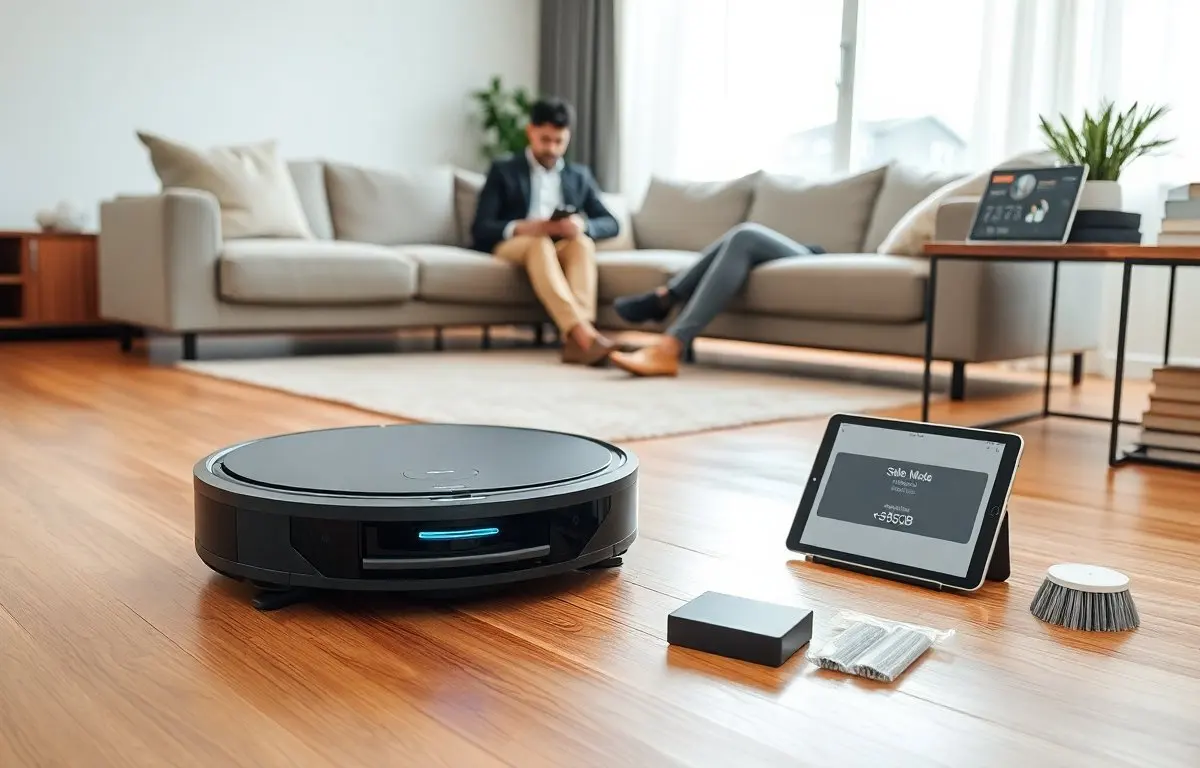
The quiet robot vacuum should run with minimal noise for peaceful homes. This guide explains what “quiet” means, what specs matter, and simple steps to keep noise low. Readers will learn measurable criteria and practical tips. The guide uses clear terms and direct advice for buying and caring for a quiet robot vacuum.
Key Takeaways
- A quiet robot vacuum typically operates between 50 and 65 decibels, with sounds under 55 dB being minimally intrusive in a home environment.
- When choosing a quiet robot vacuum, prioritize models with adjustable suction, insulated motors, soft-start features, and vibration-damping components to reduce noise.
- Real-world noise can differ from lab ratings due to flooring and room acoustics, so consult third-party tests and user reviews for accurate sound levels.
- Regular maintenance like cleaning filters, brushes, aligning wheels, and replacing worn parts helps keep your quiet robot vacuum operating silently over time.
- Utilize app controls to schedule cleaning during less sensitive times and mute voice prompts to minimize disturbances.
- Placing the charging dock on soft surfaces and avoiding hard walls can reduce noise from docking and reflections, maintaining a peaceful home atmosphere.
What “Quiet” Really Means: Decibels, Testing, And Real-World Noise
Decibel ratings show sound level. Manufacturers often list dB for suction mode. Consumers should compare those dB numbers. A quiet robot vacuum usually runs between 50 and 65 dB on normal mode. A rating below 55 dB feels unobtrusive in a living room. A rating above 65 dB sounds loud and draws attention.
Testing methods vary by brand. A lab test uses a fixed distance and a sound meter. Real homes have walls, furniture, and floors that change sound. Buyers should expect a difference between lab dB and real-room dB. Hardwood reflects sound. Carpet absorbs sound.
Robot suction mode and brush motor produce most noise. The vacuum’s navigation system and speaker add short bursts of sound. A quiet robot vacuum lowers suction power or uses insulated motors to reduce noise. Fans with more blades can move air with less turbulence, and that cuts sound.
Look for third-party tests and user measurements. Reviewers often record dB at one meter while the robot cleans a fixed path. Users post short videos that show real noise. Those resources help buyers pick a quiet robot vacuum that matches their tolerance.
Sound character matters as much as dB. A low, steady hum annoys less than a high-pitched whine. A quiet robot vacuum should keep tonal peaks low. Buyers should listen for sharp clicks, intermittent beeps, and scraping sounds. Those sounds raise perceived loudness even if the dB number looks good.
How To Choose A Quiet Robot Vacuum: Key Features And Specs To Prioritize
Buyers should check several specs to find a quiet robot vacuum. First, compare dB ratings across cleaning modes. Second, look for low-RPM brush motors and insulated fan housings. Third, prefer models with adjustable suction. Adjustable suction lets the robot lower power in low-dirt areas and cut noise.
Choose robots with soft-start motors. Soft-start reduces startup spikes and keeps short-term loudness down. Choose robots with rubber or silicone bumpers and brush mounts. These parts reduce impact noise and vibration. Also check for vibration-damping mounts on the motor. Reduced vibration lowers sound transmitted through floor surfaces.
Battery and runtime matter for noise control. Some robots use higher suction for short bursts and switch to low power for general cleaning. A quiet robot vacuum often balances runtime and power to avoid long stretches of high noise. Look for energy-efficient brush designs and direct-drive brushless motors. Brushless motors run smoother and usually emit less mechanical noise.
App control and scheduling let the user run a quiet robot vacuum at sensible times. Night mode or silent mode settings lower fan speed and mute alerts. Voice prompts should be optional. Robots that announce status loudly defeat the purpose of a quiet robot vacuum. Check for models that allow mute or volume control.
Filtration and suction design affect airflow noise. A narrow, turbulent airflow path creates turbulent noise. Wide, straight airflow paths reduce turbulence and lower sound. HEPA or multi-stage filters add backpressure. Higher backpressure can increase fan noise. Seek filters that balance capture and airflow. Manufacturers that publish airflow (CFM) and dB give clearer comparison points.
Warranty and support affect long-term quietness. Bearings and belts wear and increase noise over time. A quiet robot vacuum with reliable parts will stay quiet longer. Check for replaceable brushes, bearings, and easy access to motors. Regular part replacement keeps the robot quieter.
Keeping Your Robot Vacuum Silent: Placement, Schedule, And Maintenance Tips
Place the dock on a soft pad to reduce click and vibration when the robot returns. Keep the charging contacts clean so the robot docks smoothly. Store the robot away from hard walls that reflect sound. Place the dock on low-pile carpet or a rubber mat.
Schedule runs for times when occupants are out or when the noise matters less. Use silent or eco modes during evenings and mornings. Set the robot to run in high-power mode when nobody sleeps. These choices let a quiet robot vacuum clean without disturbing people.
Clean filters and brushes on a regular cadence. Clogged filters force the motor to work harder and raise noise. Worn brushes and loose screws create scraping and rattling. Replace brushes and bearings at the intervals the manufacturer recommends. Tighten screws if the robot starts to rattle.
Check wheel alignment and caster clearance. Small debris trapped in wheel wells creates ticking and dragging sounds. Remove hair and threads from wheels and brush rolls. Keep the dustbin empty to avoid airflow restrictions that increase fan speed and noise.
Mute or lower voice prompts in the app. Turn off unnecessary beeps and alerts. A quiet robot vacuum should not announce basic actions near sleeping people. Use virtual walls or no-go zones to prevent repeated bumping into furniture.
If a robot grows louder over time, run a simple test. Run the robot on hard floor in a single mode while a person measures sound with a phone app at one meter. Compare the reading to the initial spec. Higher readings indicate wear or blocked airflow. Service the robot if readings rise consistently.
Upgrade parts when noise persists. Aftermarket low-noise wheels and quieter brush rolls exist for popular models. Use manufacturer parts where possible to retain balance and filter performance. Small part upgrades can extend the quiet life of a robot and keep the home peaceful.