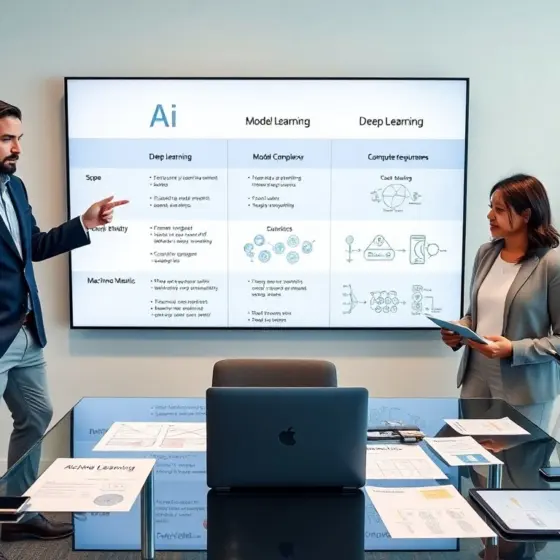
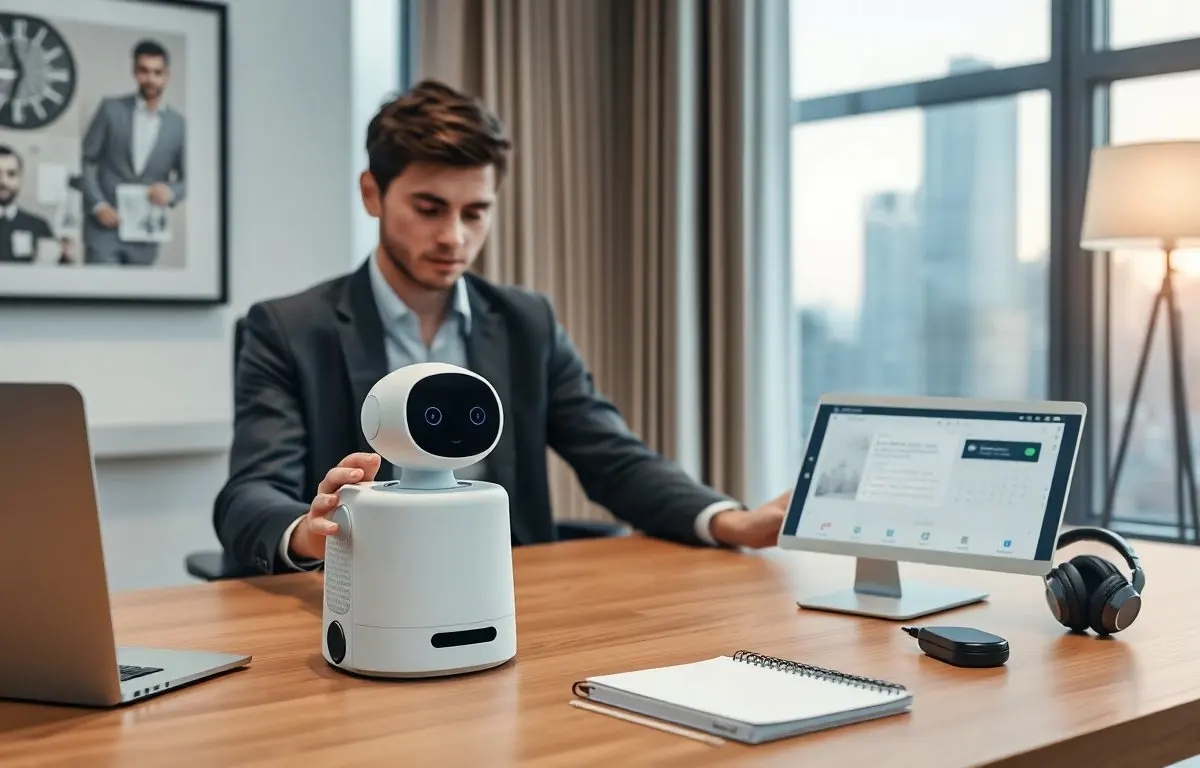
An ai desk robot brings automated help to an office or home desk. It performs tasks, manages devices, and responds to voice or touch. It learns user habits and adapts schedules, lighting, and alerts. This article explains how an ai desk robot works, what features matter in 2026, real use cases, and how to choose and maintain one.
Key Takeaways
- An AI desk robot automates routine tasks by integrating with calendars, emails, and smart devices using voice, touch, and app controls.
- In 2026, look for AI desk robots with reliable Wi‑Fi, multiple sensors, on-device AI for privacy, modular hardware, and strong customer support.
- These robots enhance home offices by managing meetings and lighting, support hybrid work with desk booking and login automation, and improve accessibility with voice-first controls and assistive features.
- Choosing an AI desk robot requires assessing integration capabilities, privacy protections, local AI processing, and user reviews for real-world reliability.
- Setup involves optimal placement, network connection, selective permissions, training routines, and setting privacy shortcuts for safe, efficient use.
- Regular maintenance includes firmware updates, sensor cleaning, data backup, permission reviews, and contacting support to ensure long-term performance.
What An AI Desk Robot Is And How It Works
An ai desk robot is a small, task-focused device that sits on or near a desk. It senses the environment and it runs onboard or cloud AI to act on user intent. It accepts voice commands, touch input, and app controls. It connects to calendars, email, meeting apps, and smart devices to automate routine work. It uses microphones, cameras, proximity sensors, and sometimes tactile arms to interact. It processes input, predicts user needs, and then triggers actions such as starting calls, dimming lights, or reading notifications aloud. It learns from corrections and it updates models to reduce repeated errors. It stores preferences locally or in encrypted cloud storage. It follows privacy rules and gives users control over data sharing. It offers ergonomic benefits by reducing task switching and by centralizing controls.
Key Features To Look For In 2026
An ai desk robot should offer reliable connectivity and clear sensors. It should include fast Wi‑Fi, optional Bluetooth, and secure cloud links. It should include multiple microphones for accurate voice pickup and cameras for gesture or posture detection when needed. It should support on-device AI to preserve privacy and cloud AI for heavy tasks. It should offer easy integrations with calendars, meeting software, email providers, and smart lights. It should provide simple setup and regular firmware updates. It should include a clear privacy mode that mutes microphones and covers cameras. It should present an intuitive app and responsive physical controls. It should offer modularity so users add or remove modules like extra sensors or a small robotic arm. It should provide power efficiency and low noise so it fits a quiet workspace. It should come with reliable customer support and clear warranty terms. It should include accessible controls for users with limited mobility.
Connectivity, Sensors, And AI Capabilities
An ai desk robot must combine stable networking, accurate sensors, and capable AI. It must manage multiple connections and it must switch to local processing if the network fails. It must use beamforming microphones for clear speech capture. It must use wide-angle or privacy shutters for camera use. It must run voice models that understand accents and short commands. It must support natural language for quick tasks like “start meeting” or “summarize inbox.” It must offer customizable trigger words. It must let users train simple routines with a few taps. It must support scheduled automation such as pre-meeting warmups and end-of-day shutdowns. It must provide explainable actions so users see why it made a suggestion.
Practical Use Cases: Home Office, Hybrid Work, And Accessibility
An ai desk robot helps at a home office by managing meetings and reducing interruptions. It can join calls, mute and unmute based on context, and post short summaries to a chat. It can boost lighting before a call and adjust camera framing. It can surface relevant documents when a meeting begins. It can track time and suggest focused blocks.
In hybrid work, an ai desk robot helps with desk booking, hot-desk setup, and quick login to corporate tools. It can pull required credentials and it can set virtual backgrounds and audio profiles. It can bridge personal and work calendars and it can alert users when a meeting requires travel or an in-person presence.
For accessibility, an ai desk robot offers voice-first controls, screen-reading assistants, and simplified touch panels. It can read messages aloud, control environmental devices, and perform physical actions such as fetching small items with an arm. It can adapt UI size and contrast for low-vision users. It can translate speech to text and text to speech in real time. It can reduce friction for users who use assistive tech and it can integrate with existing accessibility tools.
Choosing, Setting Up, And Maintaining Your AI Desk Robot
When choosing an ai desk robot, compare integration, privacy, and support. Check which cloud providers and apps it supports. Verify local AI options and encryption standards. Review warranty and update policies. Read user reviews for latency, noise, and real-world reliability.
For setup, place the ai desk robot where it can hear and see the desk area. Connect it to a dedicated Wi‑Fi network and grant only needed permissions. Link calendars, email, and meeting tools selectively. Test voice commands and set a clear privacy shortcut. Create simple routines first, such as an “arrival” routine that launches apps and adjusts lights. Train the device with typical commands and correct mistakes so it learns preferred behavior.
For maintenance, apply firmware updates when the device prompts. Back up preferences if the device offers export. Clean microphones and sensors gently and keep vents clear. Monitor monthly logs or app notifications for errors. Rotate any battery modules per manufacturer guidance. Revisit permission settings quarterly and revoke unused integrations. Contact support for repeated failures and keep proof of purchase for warranty claims.