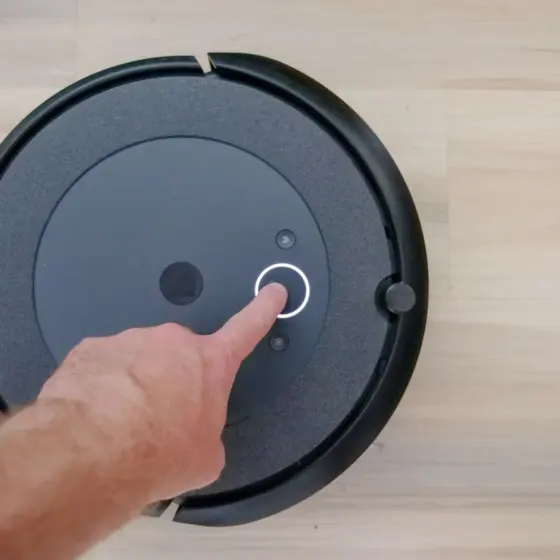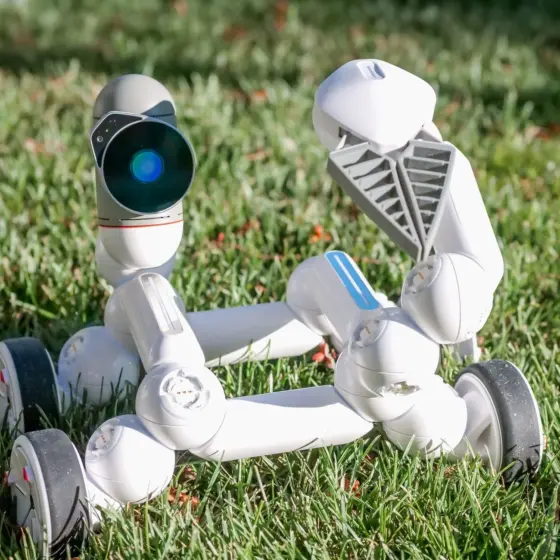
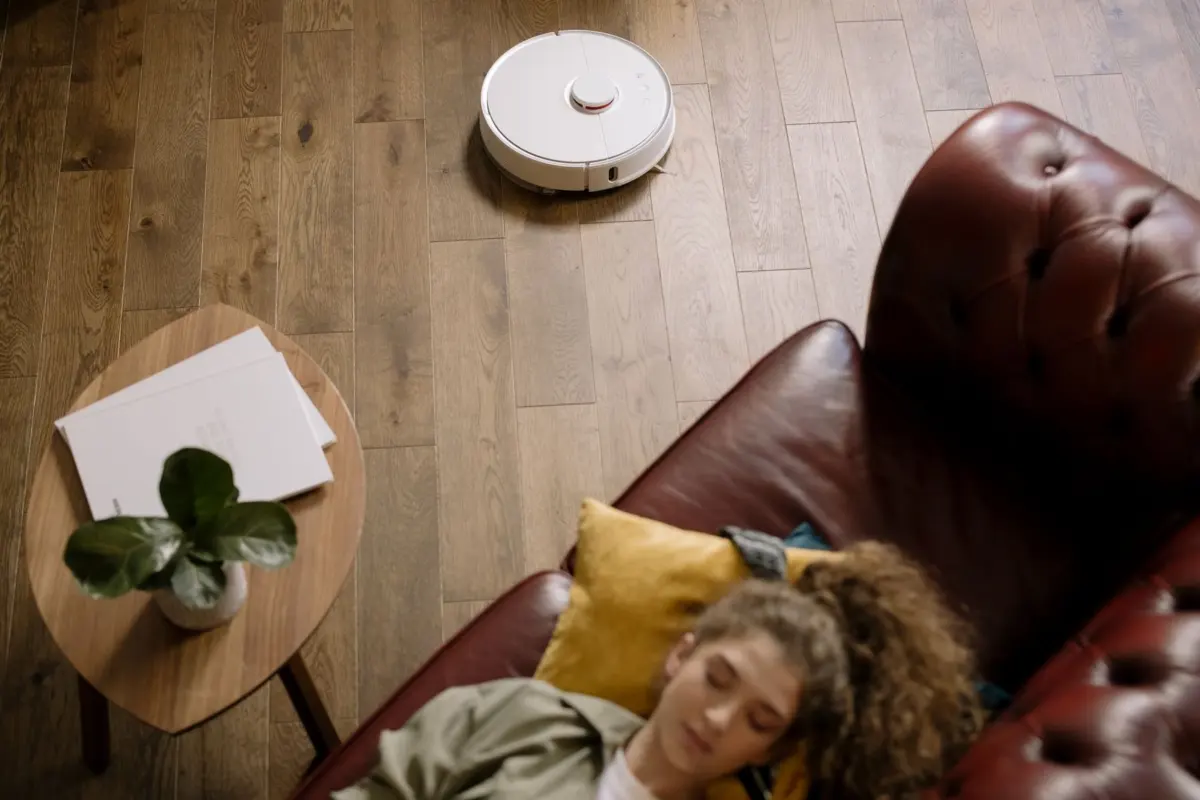
Good names for robot vacuum owners to start with are short, easy to say and matched to how the machine behaves: Alfred, after Batman’s trusted butler, or Optimus Clean for a Transformers fan.
The best name is the one your household will actually use. If you are still deciding which machine to name, start with the best best robot vacuum coverage in our consumer robots section, then come back here to pick a name for it.
What owners actually name their robot vacuums
Most owners never rename their machine at all. In a list of the 15 most popular names given to Wi-Fi connected Roomba models, built from iRobot Home app data, ctrl.blog notes that almost everyone keeps the default name, Roomba. That is the main reason a custom name is worth the minute it takes: it makes your robot vacuum distinct from every other default-named unit and turns an appliance label into something your household can talk about.
The same list shows what a name can borrow from. Alfred appears on it, after Batman’s trusted butler and father-figure, which is a good model for a vacuum that quietly tidies up in the background. Guru Picks describes how robot vacuums have become a staple in modern homes, and owners increasingly treat these handy robots as part of the family. In that sense a named vacuum sits closer to a companion robot than to a broom: it has a role, a routine and, once named, a personality.
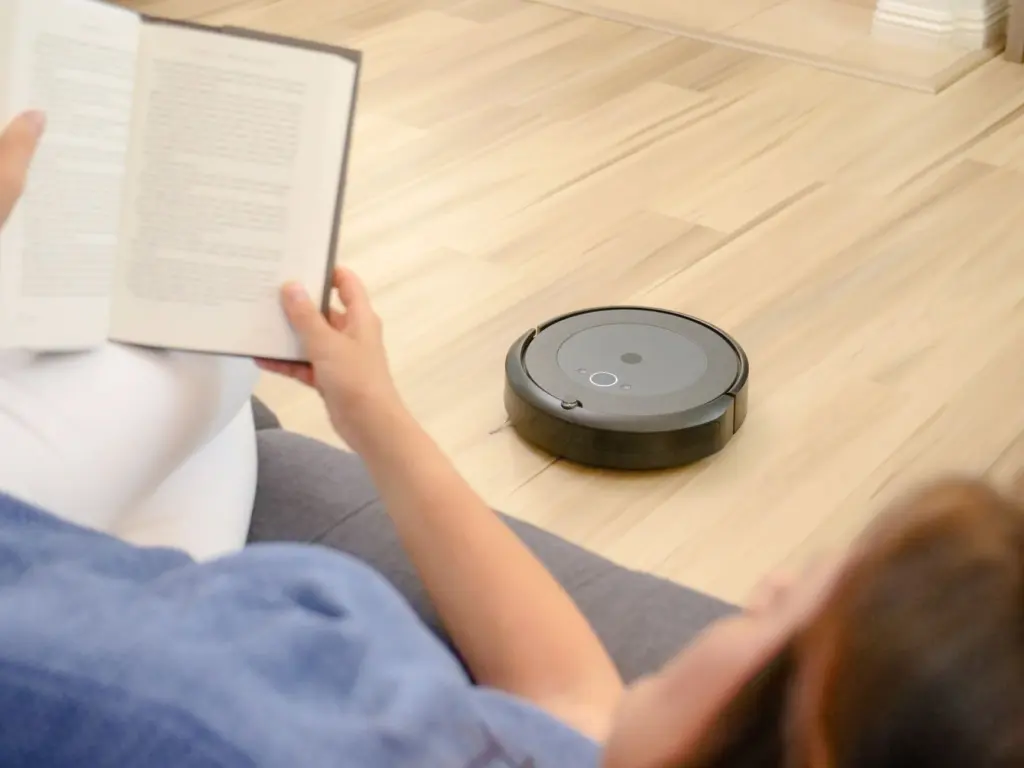
How to choose a name
A name works best when it reflects something real about the machine or the household. Work through these stages in order and you will usually land on a name quickly.
Match the name to the machine’s behavior
Start by watching what the vacuum does. Guru Picks advises considering the robot vacuum’s cleaning pattern and behavior when naming it. A unit that maps rooms methodically suits a name like Atlas or Scout. One that slides quietly under furniture suits something calm, such as Pebble or Miso. A machine that spends most of its time on pet hair suits a pet-focused name that everyone links to that job.
Bring the household in
Names stick when more than one person likes them. The same guide suggests gathering the household and brainstorming names together. Shortlist two or three candidates, let each person vote, and keep the winner. This also gives children a stake in the machine, which is useful if they will be pressing the start button or asking the robot to clean.
Say it aloud before you commit
Speak the name in a full sentence, the way you would when asking for a clean. If it is awkward to say, easily confused with a common word or hard for relatives to pronounce, drop it. If you use a voice assistant, check that the name does not collide with a wake word or another device in your home. Avoid unusual punctuation, since not every app accepts it.
Plan for more than one robot
If you may add a second unit, choose a base name that accepts a short modifier, such as Scout-Kitchen and Scout-Upstairs. Keep the tag brief so spoken commands stay short. Room tags are clearer than numbers for guests and family members who have not seen the app.
Names grouped by tone
Use these as they are, or adjust a vowel or add a room tag to make them yours. Each group suits a different type of home and robot.
- Playful: Bubbles, Zoomy, Nibbles, Sprout, Pippin. These suit lively households and machines that dart around the floor.
- Cute: Cookie, Miso, Mochi, Pebble, Tofu. Soft sounds suit homes with young children and quiet, compact units.
- Smart: Atlas, Scout, Logic, Vector, Radar. These hint at mapping and navigation, so they fit a vacuum that plans routes room by room.
- Tough: Tank, Forge, Bristle, Axel, Grit. Pick one of these for a workhorse that handles heavy daily traffic.
- Pet-focused: Furball, Lintley, Whisk, Shedder, Fluff. These tie the name directly to the job in a home with a shedding dog or cat.
- Minimalist: Lux, Neo, Uno, Vee, Zip. Very short names suit modern interiors and owners who want the name to disappear into the routine.
- Pop culture and puns: Optimus Clean for the Transformers fan and Obi-Wan Cleanobi for the Star Wars aficionado, as Guru Picks suggests. The same guide points to function-based names that reference the machine’s mobility or vacuum-and-mop capability, such as Dirt Zapper and Mopstar. Add Hooverette if you like a cheeky nod to older vacuum brands.
- Butler and classic: Alfred, Jeeves, LordSweep, SirVac, DustBuster. Formal names suit a dignified machine that does its work without fuss, and Alfred has the added backing of appearing on the popular Roomba names list.
If two names tie, choose the one that is more fun to say to a guest, since you will hear and use it far more than you will read it. Pop-culture names reward fans but may puzzle visitors, so they work best in homes where the reference is shared.
Matching a name to your home
Look at where the robot spends its time. A vacuum that works around a woven basket, a flower vase and wooden furniture suits a warm, natural name such as Sprout or Pebble. A sleek, minimalist living space suits Lux or Neo. A busy family room with pets and toys suits Furball, Bubbles or Tank. Thinking about the setting first narrows the options far faster than scanning a long list.
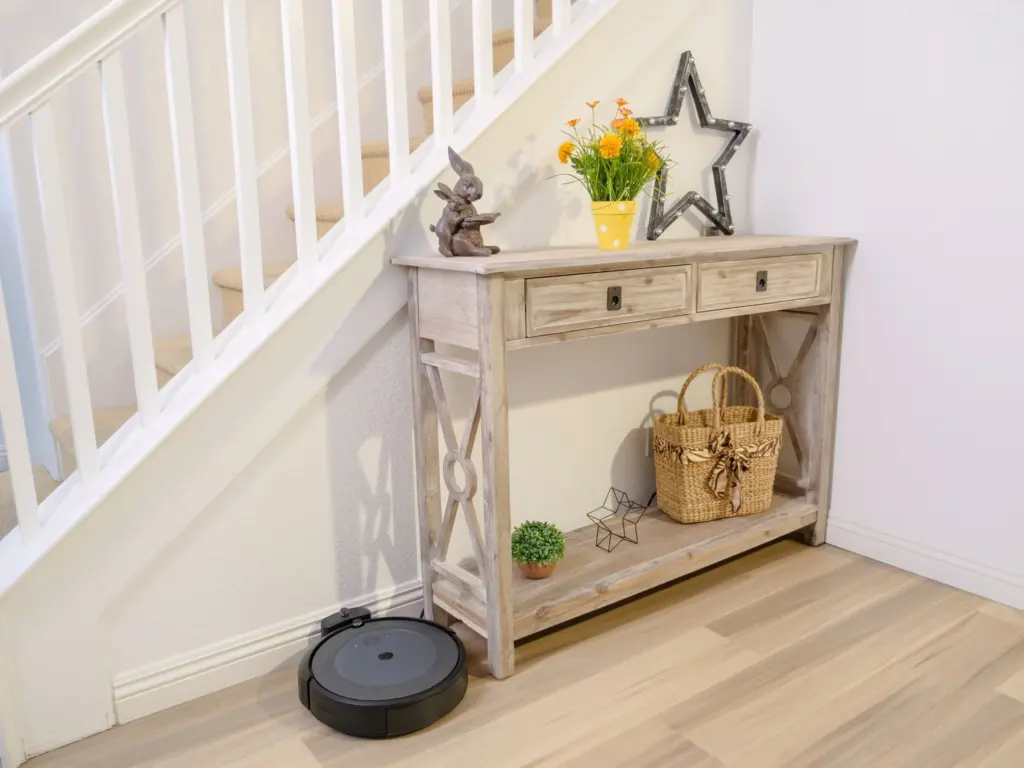
Multi-level homes and open-plan spaces also change the choice. If a robot is assigned to one floor or zone, a name that includes that zone keeps everyone clear on which machine is which. A single-robot household can stay with a simple first name.
Using the name day to day
Once the name is chosen, set it in the vacuum’s app so what you say matches what you see on screen. Tell the rest of the household, and use the name consistently in everyday speech: “Alfred is docking” is easier to follow than “the vacuum is done.” If children are curious about how these machines work, What Is Robotics For Kids? A Practical Guide To Learning, Playing, And Growing With Robots (2026) is a good next read.
A name also makes upkeep easier to track. Keep a simple note headed with the vacuum’s name and record filter changes, brush cleanings and anything unusual. When you have several machines, the name tells you which one needs attention. Over time that log helps you spot wear, and our guide, How Long Does a Robot Vacuum Last? Lifespan, Signs Of Wear, And When To Replace (2026 Guide), explains what to look for and when to replace. For more on household gadgets, browse our consumer technology section.
Frequently asked questions
Is it fine to keep the default Roomba name?
Yes. Many owners do, and it works. A custom name only adds personality and helps tell machines apart if you own more than one.
Should a robot vacuum name be funny or practical?
It depends on who uses it. A practical name that references the job, like Dirt Zapper or Mopstar, is easy for everyone to link to the machine. A funny pop-culture name suits households that share the reference.
Can I change the name later?
Yes. If a name stops fitting the machine or the household, pick a new one and update it in the app so the screen and your speech match again.