| Navigation method | What it does | Planning use |
|---|---|---|
| Bounce navigation | Stops, turns and continues in a new direction after hitting an obstacle | Reacts to contact instead of working from a map. It suits plain rooms where room-by-room control is not a priority. |
| Spiral pattern | Cleans in expanding circles | Works for spot cleaning of a single mess, not for covering a whole home. |
| Gyroscope and accelerometer tracking | Tracks direction and distance | A cost-effective option, but less precise than LiDAR or cameras. A reasonable fit for a tighter budget. |
| Camera-based mapping | Recognises specific landmarks | Weakens in darker settings, so consider how dim the rooms are when it runs. |
| LiDAR with SLAM | Laser beams measure distances, and SLAM builds a map while the robot locates itself | The route to look for when you want the robot to know where it is in the home. |
Navigation behaviours and trade-offs here come from Gadget Review’s mapping explainer, and the laser-plus-SLAM description from Roborock’s explanation of its S5 model.
How does a robot vacuum work? It sweeps debris into a suction channel, then navigates on its own using sensors and, in mapping models, a stored map; the navigation method shapes how it covers a home.
The sensors and brushes behind those results are what separate one model from another, and they matter most when you are shortlisting the best robot vacuum for your floors and layout.
How navigation choices change what you get
Navigation is the biggest practical difference between models, because it decides whether the robot remembers your home. Narwal explains that with LiDAR or other navigation sensors a robot scans rooms and builds a reusable map. That map lets it clean room by room and avoid repeating the same area. A robot that only bounces off obstacles has no such memory to draw on.
Use these decision points when comparing models:
- You want room-by-room cleaning. Choose a model with LiDAR or another mapping sensor, since the saved map is what makes targeting a single room possible.
- You run it in dim rooms. Be cautious with camera-only mapping, which Gadget Review notes weakens in darker settings. A laser-based system is the safer match for evening runs.
- You are budget-limited. Gyroscope and accelerometer tracking gives direction and distance at lower cost, with less precision than LiDAR or cameras. It suits simple layouts better than a busy open-plan space.
- Your home has stairs or ledges. Treat cliff sensors as essential and confirm they are listed in the specification.
- You have low furniture. Look for a height sensor. Roborock’s S5 uses a pressure-sensitive one to detect furniture too low to pass under.
- You have allergy concerns. Check whether the model lists a HEPA filter, covered in the filtration section below.
How a robot vacuum navigates
Laser ranging and SLAM
LiDAR sends out laser beams to measure distances and create a map of the room. SLAM, short for simultaneous localization and mapping, is the process that lets the robot create that map while working out where it is inside it. Roborock describes its S5 combining laser-based obstacle sensors with SLAM, and says the robot cleans the room border first, then works through the centre in an S-shaped pattern. Eureka Forbes describes its models as combining 3D laser scanning, real-time mapping, gyroscopes and obstacle detection, which shows that makers typically layer several sensing methods rather than rely on one.
Cameras and motion sensors
Cameras let a vacuum recognise specific landmarks. Gyroscopes and accelerometers track direction and distance. Optical encoders on the wheels measure how far the vacuum has travelled. Narwal likewise says wheel sensors track distance and when the robot changes direction. These motion sensors fill in what the robot has done between readings from the room-scanning sensors. On their own they give a coarser picture than a laser map.
Sensors that protect the robot and your home
A separate group of sensors handles short-range hazards rather than mapping. Each is worth checking on a spec sheet:
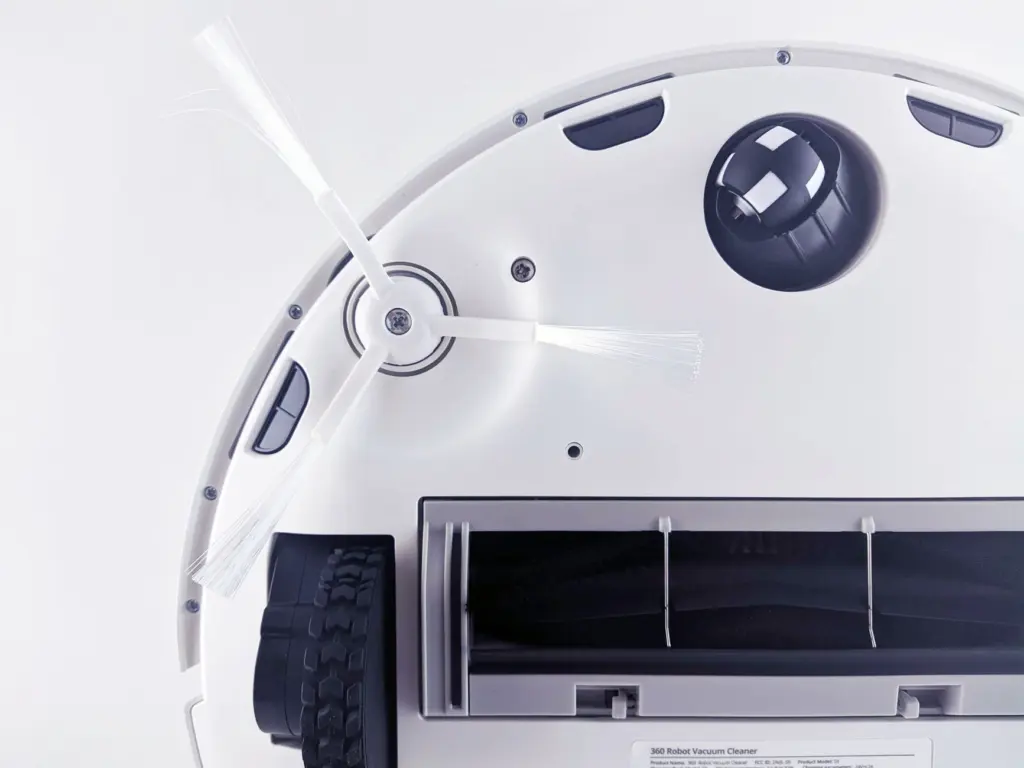
- Cliff sensors. Narwal places them on the underside to detect drops such as staircases or ledges and stop movement. Roborock’s S5 has multiple cliff sensors at the front that look down for large drops. Eureka Forbes calls its version an anti-fall sensor, so the same feature can appear under a different name.
- Bump sensors. Most robot vacuums include them to detect contact with objects, so the robot can react after a light collision.
- Height sensing. The S5’s pressure-sensitive height sensor alerts the robot to furniture it cannot pass under.
- Infrared wall sensors. Srhythm describes these as emitting infrared beams that reflect from surfaces to gauge proximity, which helps the robot keep track of walls and furniture.
Cliff protection matters most if you live on multiple levels or have a raised landing, because a fall is the one failure these sensors exist to prevent.
Suction, brushes and filtration
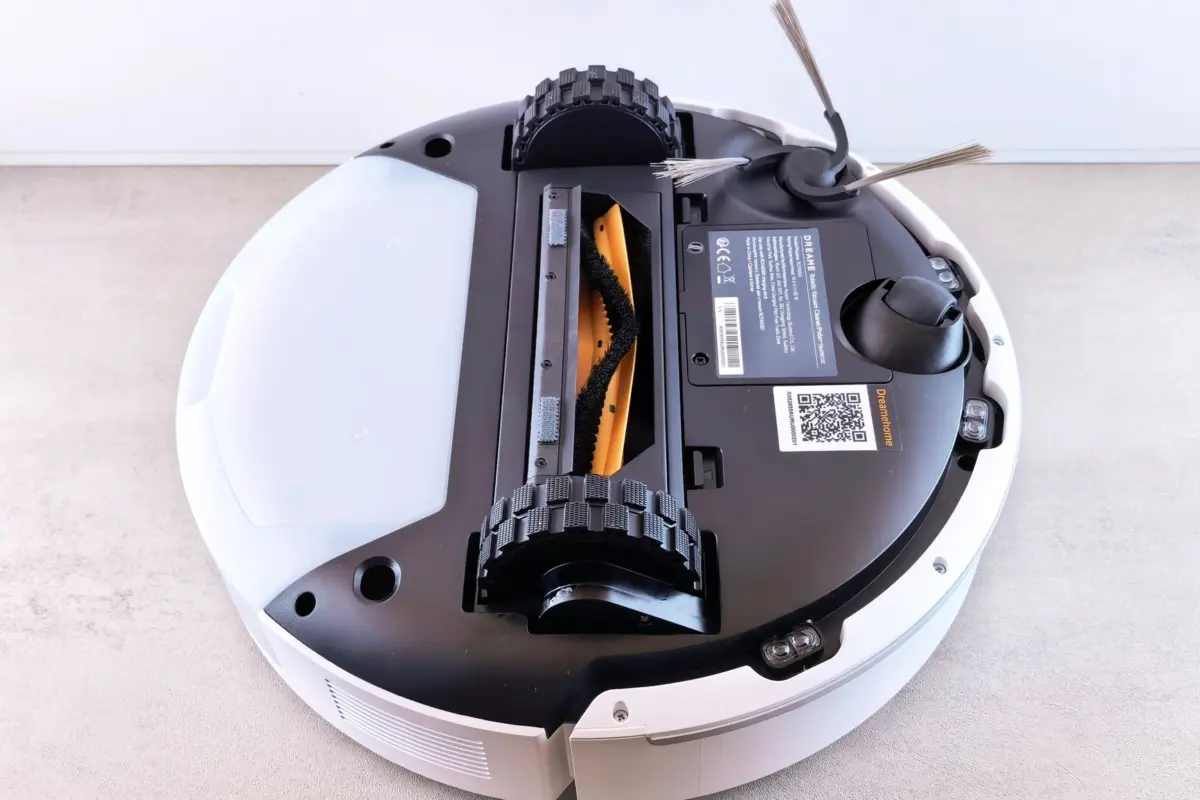
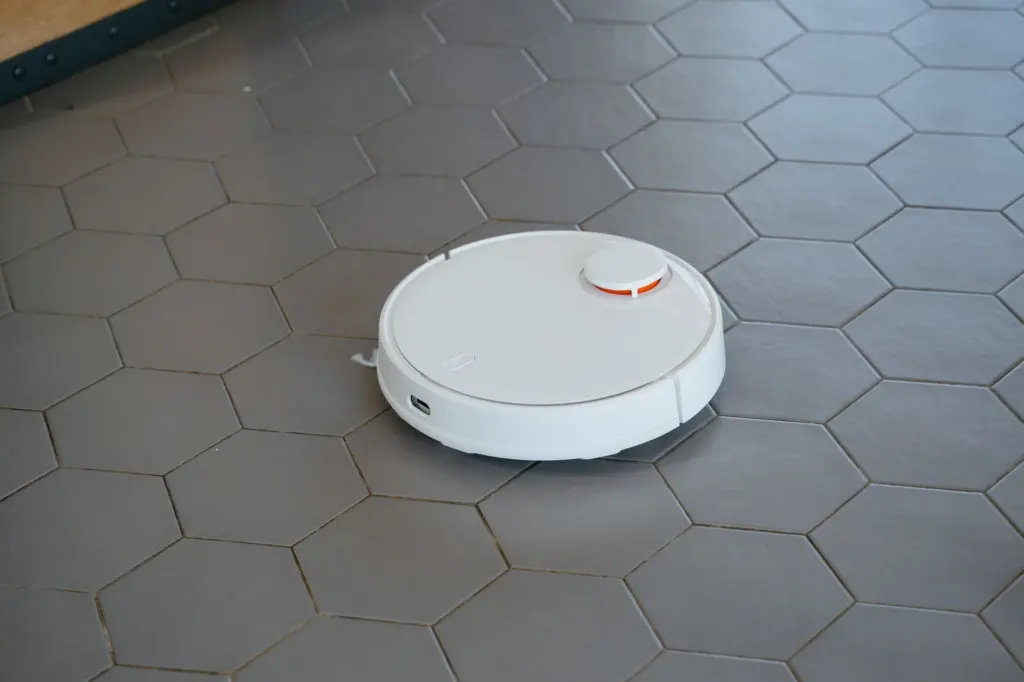
Suction in a robot vacuum is a team effort between brushes and a motor. Narwal describes a sequence in which debris is swept into a suction channel and a main brush centralises it. A built-in vacuum motor then sucks it into an onboard dustbin. Side brushes pull dust and hair away from edges toward that path, and separate brush motors power the rotating brushes.
Because the brushes and the motor do different jobs, a strong motor alone does not guarantee edge cleaning. Side brushes are what reach along walls, so they matter in rooms with a lot of perimeter.
On filtration, Narwal’s Freo X Plus line pairs powerful suction with an upgraded HEPA filter. If air quality matters to you, look for a HEPA filter in the specification and compare the maker’s stated rating, since a bare mention of filtration does not say how much it captures.
Everything runs from a rechargeable lithium-ion battery, which powers the drive, brushes, motor and sensors.
Other household robots to compare
Vacuum navigation is one example of how consumer robots move through a space without supervision. A garden robot faces the same basic problem outdoors, which How Robot Lawn Mowers Work: A Friendly Guide To Hands‑Free Yard Care In 2026 covers. If you are curious how far home robots go beyond cleaning, Buying A Humanoid Robot In 2026: How To Choose The Right One For Your Home Or Business looks at that end of the market.
Frequently asked questions
Does every robot vacuum build a map of the home?
No. Models with LiDAR or other navigation sensors scan rooms and keep a reusable map, while simpler bounce-style models stop, turn and carry on after hitting an obstacle without one.
How long can a robot vacuum run on a single charge?
It depends on the model. Narwal states its robots can operate for over 200 minutes on a charge. That is a vendor claim for its own machines, not a general figure for every brand.
Can a robot vacuum tell different floor types apart?
Some can. Eureka Forbes says its multi-surface models use sensors that detect changes in floor texture, alongside multi-surface brushes, and adjust their settings.