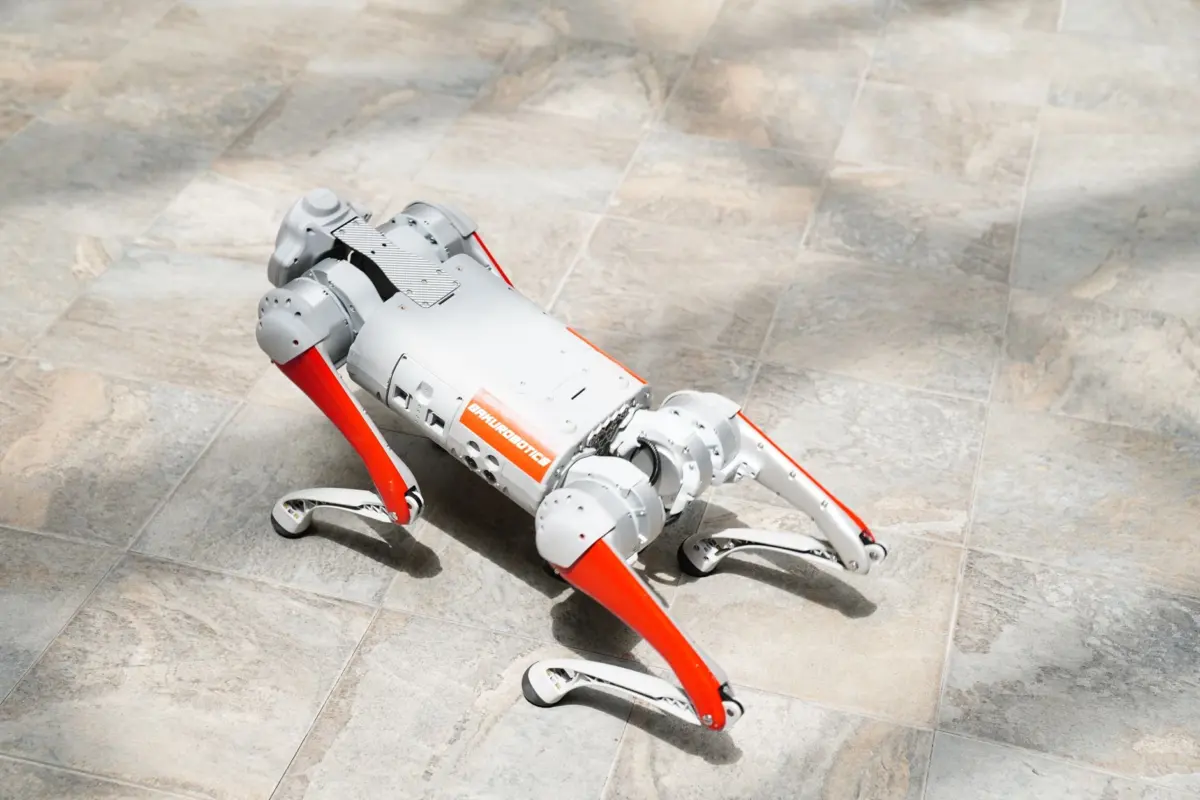
A buyer watches a Unitree Go2 trot past and assumes a single clever brain is steering it. Robot dog AI is really layered: onboard computing plans motion in real time while sensors supply the picture, and limits like battery still apply.
For the wider field, start with how is ai used in robotics, or browse the Artificial Intelligence guides. This page takes the common misunderstandings about quadruped robots one at a time and checks each against real product listings.
How AI helps a robot dog walk
The Unitree Go2 Pro is described as having advanced onboard computing for real-time motion planning, autonomy and intelligent behavior, with an 8-core main processor. Walking on four legs means the software keeps choosing how the body moves as conditions change. The listing places this computing on the robot itself.
Several assumptions about this are worth correcting:
- Myth: “AI” means the robot thinks like a pet. The listed AI features are practical behaviors: real-time motion planning, intelligent detection and avoidance, and a side-follow system (ISS 2.0). These are engineered capabilities, not general understanding.
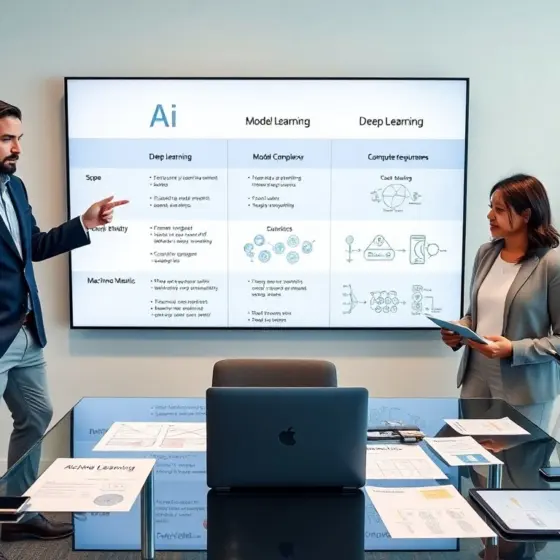
- Myth: every robot dog learns the same way. Marketing uses “AI” for very different methods. Rule-based control, machine learning and deep learning are not interchangeable, and the distinction is laid out in AI Vs Deep Learning Vs Machine Learning: Understand The Differences And Pick The Right Approach In 2026. When a product page says “AI”, ask which part of the walking, sensing or following stack is learned and which part is fixed engineering.
- Myth: more onboard AI is always available. The Go2 Pro lists the high computing power module as not supported. Anyone planning to run heavy models of their own, for instance on an NVIDIA Jetson-based board, should confirm which model accepts the module they want before buying.
The practical reading is that the Pro comes with built-in behaviors and an app, while custom intelligence is a question of which tier and which add-ons you choose. The next section turns the headline numbers into planning limits.
Go2 Pro specs against common assumptions
A spec sheet corrects optimistic guesses quickly. The table sets typical assumptions beside the Go2 Pro listing and says what to do with each figure.
| Common assumption | Go2 Pro listing | Planning use |
|---|---|---|
| It can carry heavy gear | Payload 10 kg max; 8 kg typical | Compare your sensor or tool package with the typical figure, not the ceiling. |
| It runs a full shift | Battery life 1–2 hours; 8000 mAh standard battery | Schedule tasks around charging and treat the range as conditional. |
| It is light and easy to move | Weight 15 kg with battery | Allow for handling when it must be transported or lifted. |
| It climbs anything | Max step height 16 cm; max slope 40° | Measure your steps and ramps against these limits before a pilot. |
| The Pro price is the whole story | $3,750.00 sale, $3,990.00 regular; EDU $11,200.00; EDU+ $13,250.00 (USD) | Decide first whether you need research access, then budget by tier. |
| Any AI add-on will fit | High computing power module not supported | Check module support on the exact model before planning custom AI. |
These figures come from the retailer’s Go2 Pro product listing, which also shows the EDU and EDU+ prices.
Perception: how a robot dog sees
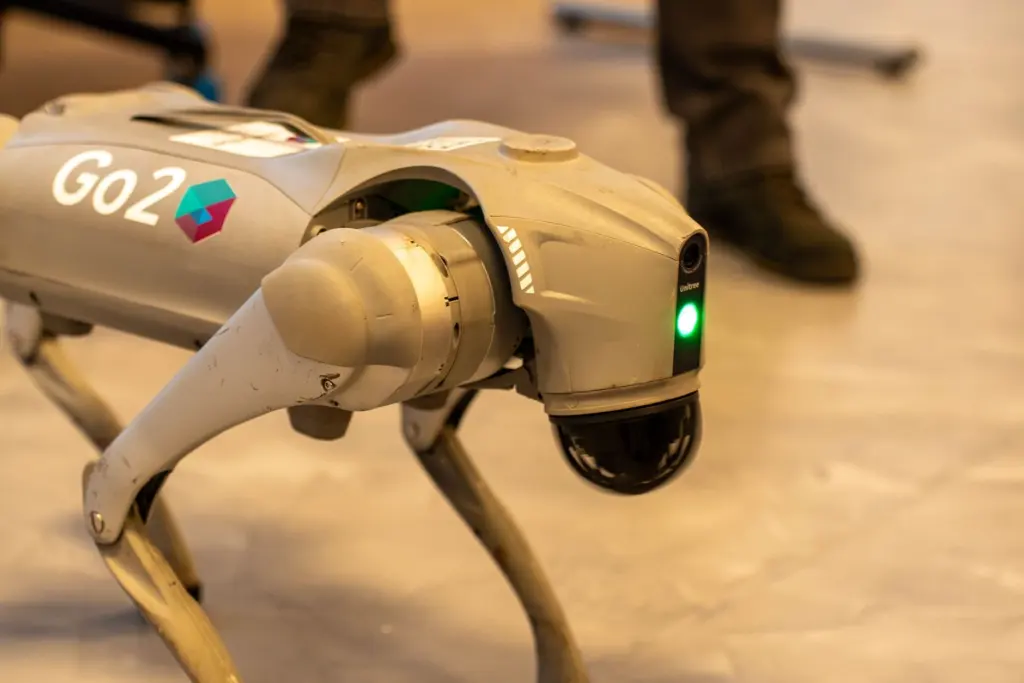
Sensors, not the legs, decide what the AI has to work with. The Go2 Pro listing names 4D LiDAR and onboard vision sensors for navigation, obstacle awareness and environmental mapping. The LiDAR is a Super Wide-angle L1 covering 360°x90°, and the front camera is HD (1280×720) with an ultra wide-angle 120° field of view.
Two misunderstandings follow from that hardware:
- LiDAR is not vision. LiDAR measures distance to surfaces, which supports mapping and obstacle awareness. Computer vision works on camera images, so a robot can have wide spatial coverage and still depend on the camera for anything that needs to be recognised by appearance.
- A wide field of view is not human sight. The camera resolution and angle are fixed hardware limits. Software can only interpret what the sensors capture, so lighting, clutter and viewpoint on your site still matter.
For a deeper explanation of how machines turn pixels and point clouds into decisions, read how do robots see.
What robot dogs can do
Capabilities depend on whether the robot is built for work, research or companionship. The Go2 Pro is controlled with either the Go2 controller or the Unitree App on a smartphone. That makes it a directed machine: a person gives commands and the AI handles walking, mapping and avoidance underneath.
Research buyers are served differently. The same retailer says EDU robots are designed for hands-on learning and experimentation, with open-source SDKs, ROS compatibility and simulation tools. If the goal is to test your own perception or motion code, that tier is the relevant one, and the Pro’s app-first design is not.
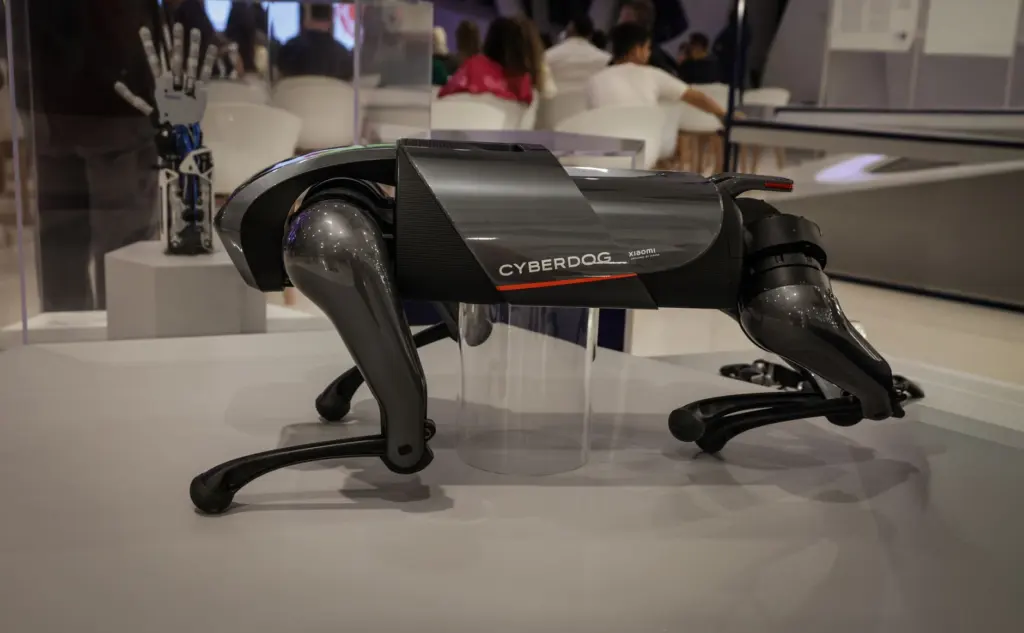
Companion robots follow another model. Sony states that aibo listens to commands and will demonstrate a variety of tricks, and that it grows each day, acquiring an identity depending on its living environment and relationship with people. The misunderstanding to avoid is treating that as the same thing as an inspection robot. aibo’s AI is aimed at interaction at home, while the Go2 family is presented around mobility, sensing and developer access.
Cost and limits to weigh before buying
The question is not only what a robot dog costs but what each price tier unlocks. Use the listing to separate what is promised from what you must verify yourself.
- Tier decides the use case. The Pro sits at the entry of the Go2 range in the listing, while the EDU and EDU+ versions are priced well above it and add the research tooling. Pay for a higher tier only if you will use the SDKs and ROS access.
- Ceilings are not targets. Maximum payload, step height and slope describe the edge of what the robot can do. Typical payload is the more honest number for daily tasks, and a robot operating near its limits will tire its battery sooner.
- Battery sets the working pattern. A battery life stated as a range means your terrain, load and activity move the result. Plan short, defined tasks with charging time built in rather than all-day patrols.
- Listings are not site tests. The values come from a seller’s product page, so ask for a demonstration on your own floors, steps and lighting before committing to a fleet.
- Home companions have different limits. aibo’s personality depends on its environment and the people around it, so results will differ between households, and it is not a substitute for a work robot.
If your tasks fit the stated payload, runtime and terrain limits, a Go2-class robot is a reasonable pilot. If they sit close to every ceiling, look for a different platform or reduce the task.
Frequently asked questions
| Question | Answer |
|---|---|
| Can I run my own software on a Go2? | The EDU tier is described as coming with open-source SDKs, ROS compatibility and simulation tools. The Pro lists its high computing power module as not supported, so it suits built-in behaviors better than custom development. |
| Does a robot dog avoid obstacles by itself? | The Go2 Pro lists intelligent detection and avoidance as a supported feature, backed by LiDAR and vision sensors for obstacle awareness. Test it on your own route before relying on it around people. |
| Does a robot dog learn from its owner? | Sony says aibo acquires an identity depending on its living environment and relationship with people. The Go2 listing describes controller or app control rather than owner-driven personality. |
| What is the difference between robot dog AI and a remote-controlled toy? | A toy simply executes commands. A robot dog such as the Go2 Pro adds onboard computing for real-time motion planning and sensors for mapping, so it handles walking and navigation while a person sets the goal. |